Home Java Compiler For Android
 |
Details
Name : Java Compiler [BCA.N.H.]
Type : (.apk)
Date : 12/03/2026
Size : 10.32 MB
Labels : Apps
Instalation Note :
• During installation, you might see a Google Play Protect warning that says: "Some devices may not be capable of running this application as it is designed for older versions."
• Don't panic! This is a standard Android prompt. Because the Java Compiler is built to work on a wide variety of phones (from very old Androids up to the newest ones), newer devices sometimes flag this wide compatibility.
• How to fix it: Simply tap on "More details" on the warning popup, and then click "Install anyway". The app is completely safe and will run perfectly on your device.
Screenshots
Download Link
App Guide
Complete Guide: Exploring the BCA Notes Hub App Features
Learn how to maximize your productivity and ace your practicals using the BCA Notes Hub mobile app. Follow this detailed overview of the app's core features, from writing code to testing custom inputs.
Feature 1: The Built-in Java Code Editor
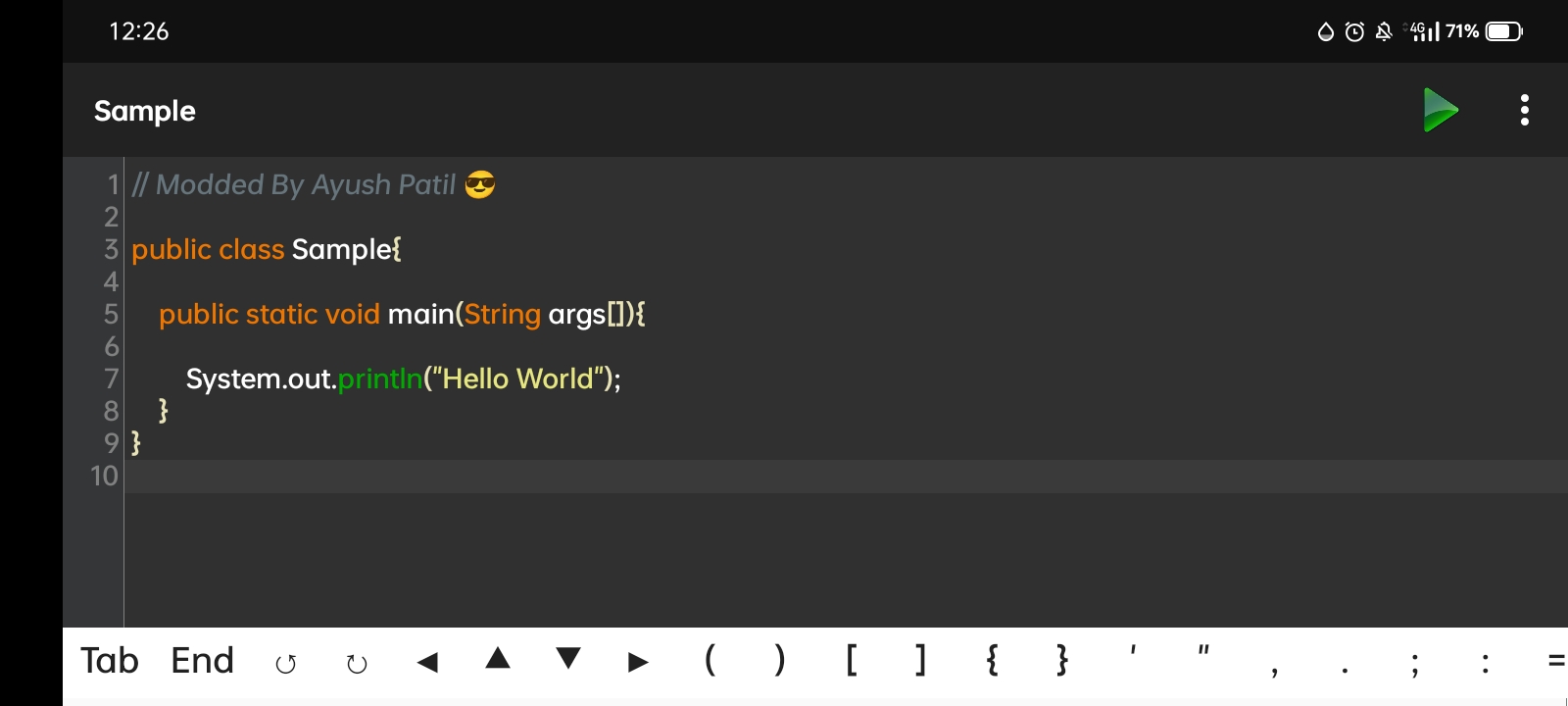
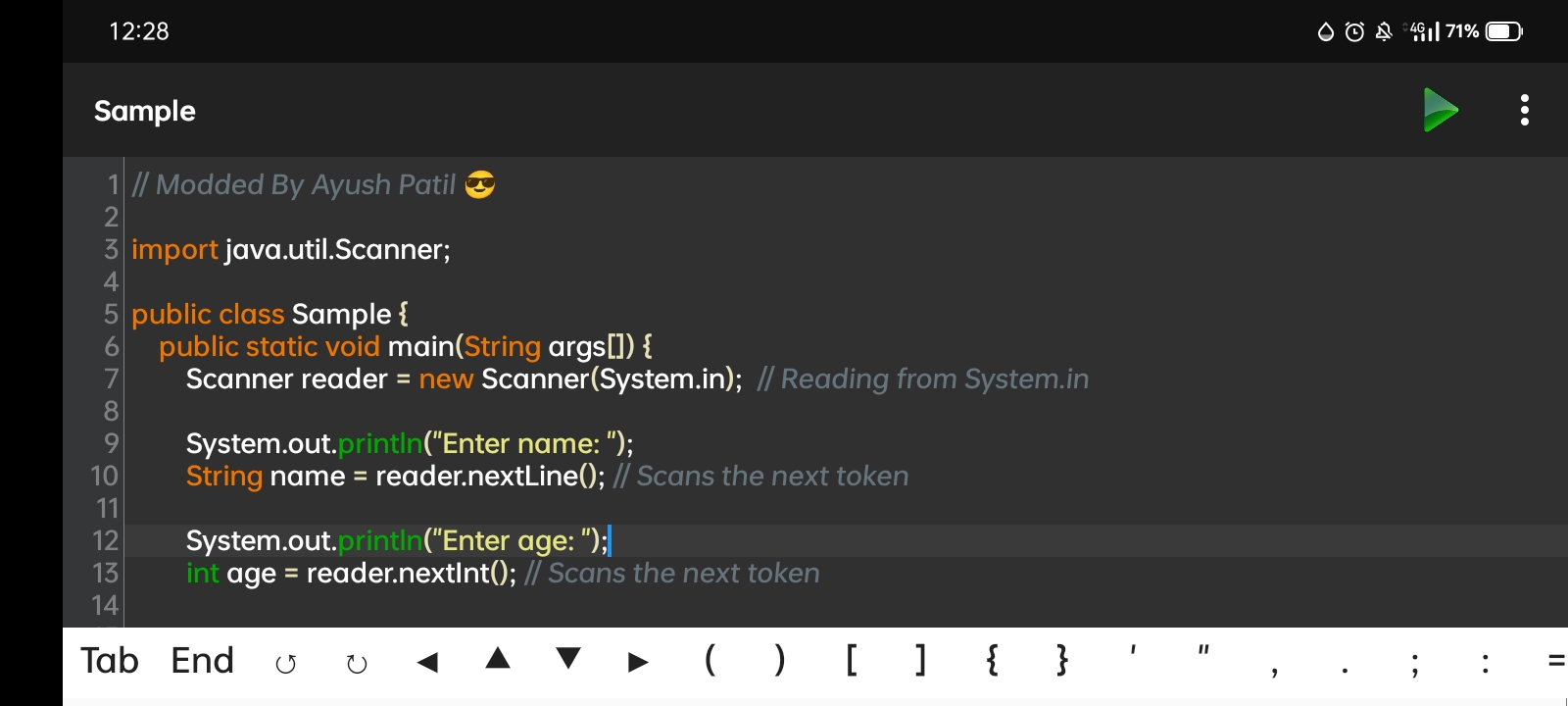
# The app features a robust, built-in Java compiler and editor, allowing you to write, edit, and run Java code directly on your mobile device.
# Menu Options: Tap the three-dot menu in the top right corner to access essential file management tools like New, Open, Save, and Save As.
# You can also clear your workspace instantly or navigate to other app sections like settings and lab programs straight from the editor interface.
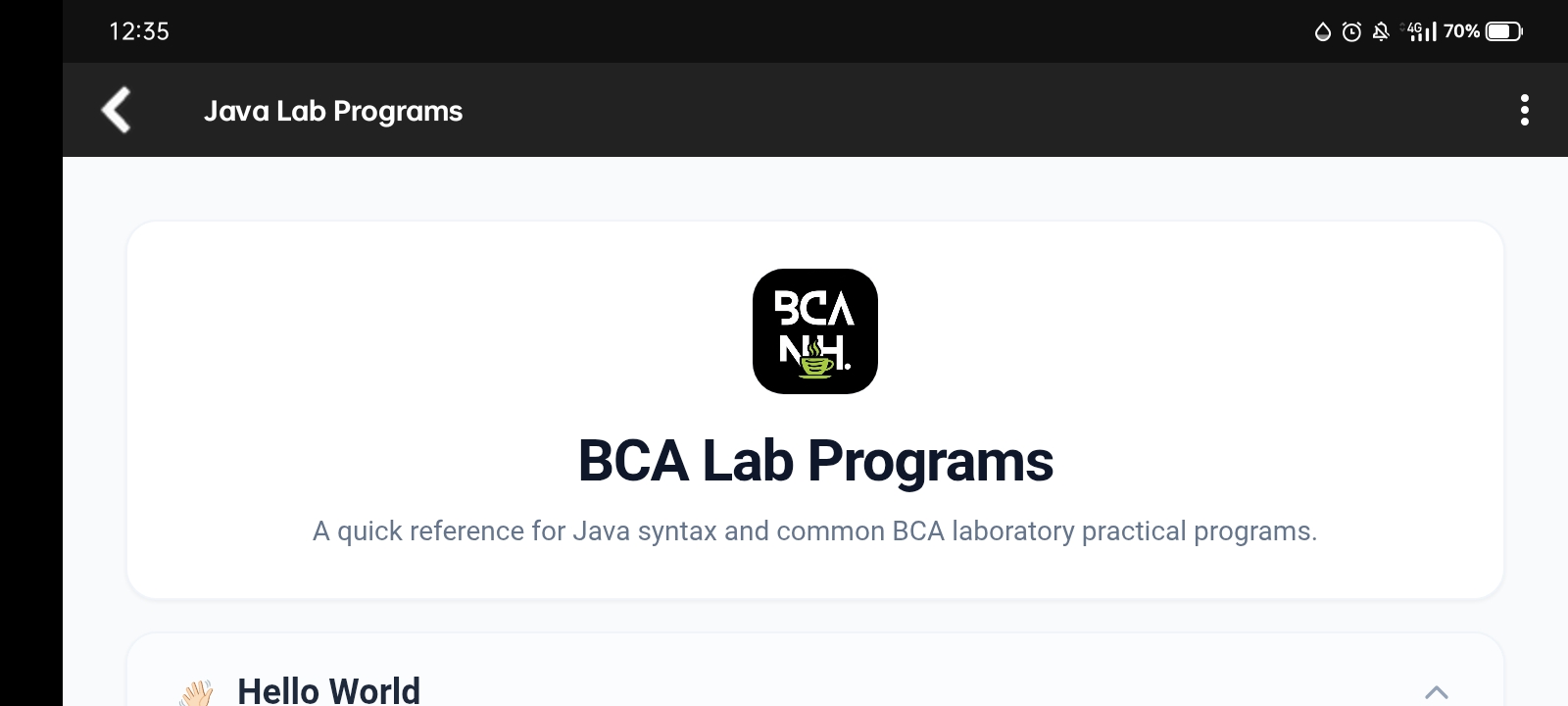
Feature 2: Quick Access to Java Lab Programs
# Struggling to remember exact syntax during practicals? Navigate to the Java Lab Programs section from the main menu.
# This section acts as a quick reference guide for common BCA laboratory practical programs.
# One-Tap Copy: You will find pre-written, accurate code for fundamental programs like "Hello World", "Read Input", and "Neon Number". Each code block features a handy copy button, allowing you to paste the code directly into the editor to test it instantly.
Feature 3: Pre-defining Custom Inputs
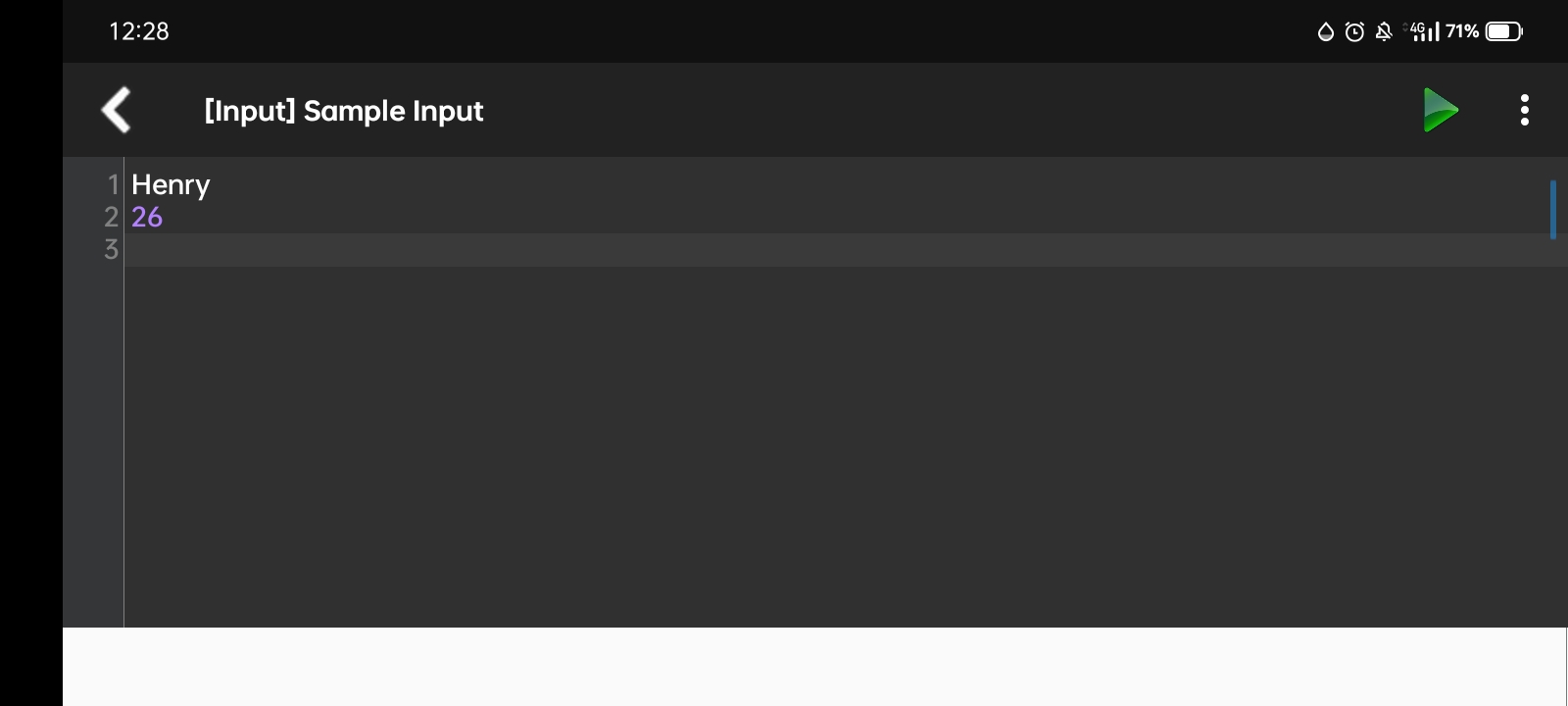
# Testing programs that require user data (like scanning for student details) is incredibly easy using the [Input] Sample Input screen.
# Instead of typing values sequentially during runtime, you can pre-enter your data line-by-line before running the code.
# For example, if your code asks for a USN, Name, Branch, Phone, and Percentage, you can type them directly into the numbered lines (e.g., 677, ayush, sfs, 5674578, 76) to speed up your testing process.
Feature 4: Compiling and Viewing Output
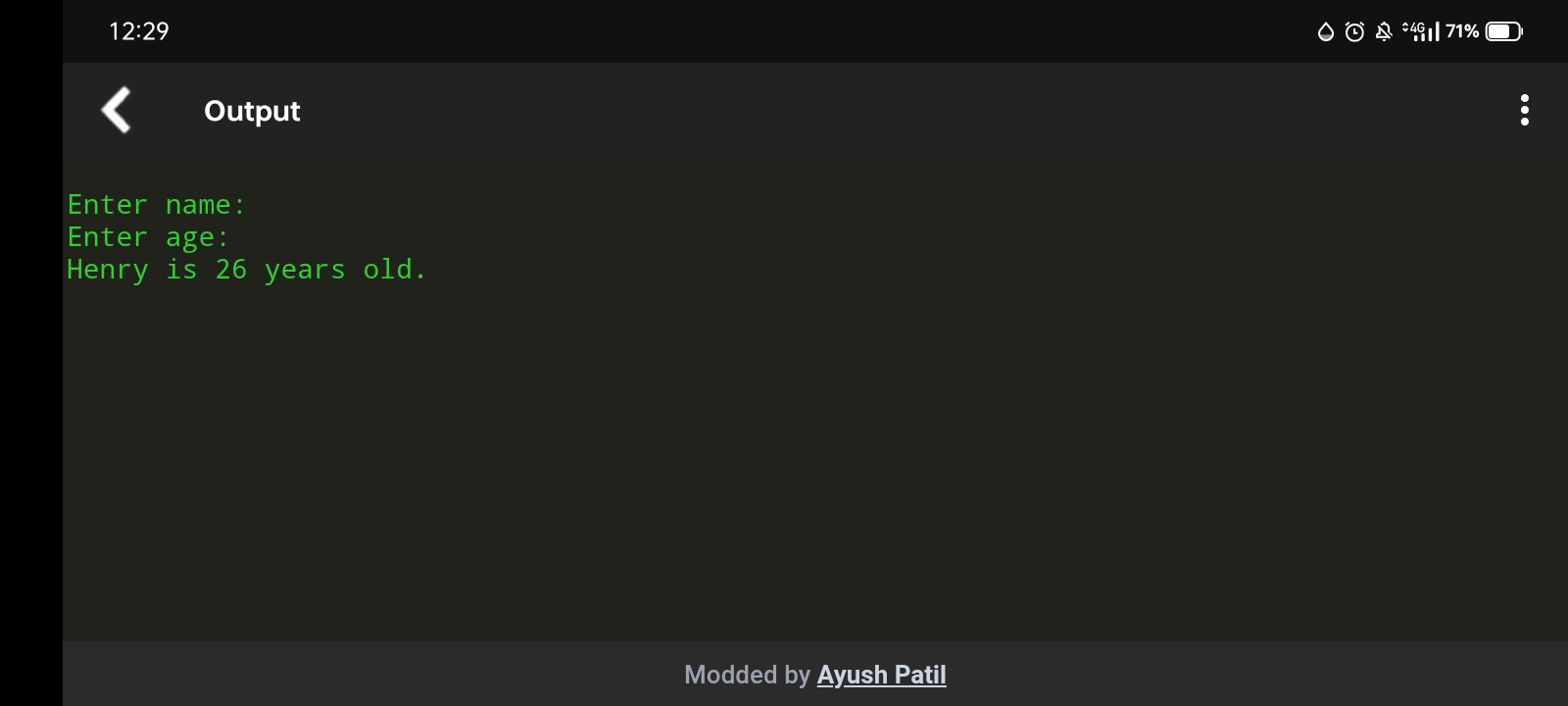
# Once your code and inputs are ready, simply tap the green Play button located at the top of the screen to compile and execute your Java program.
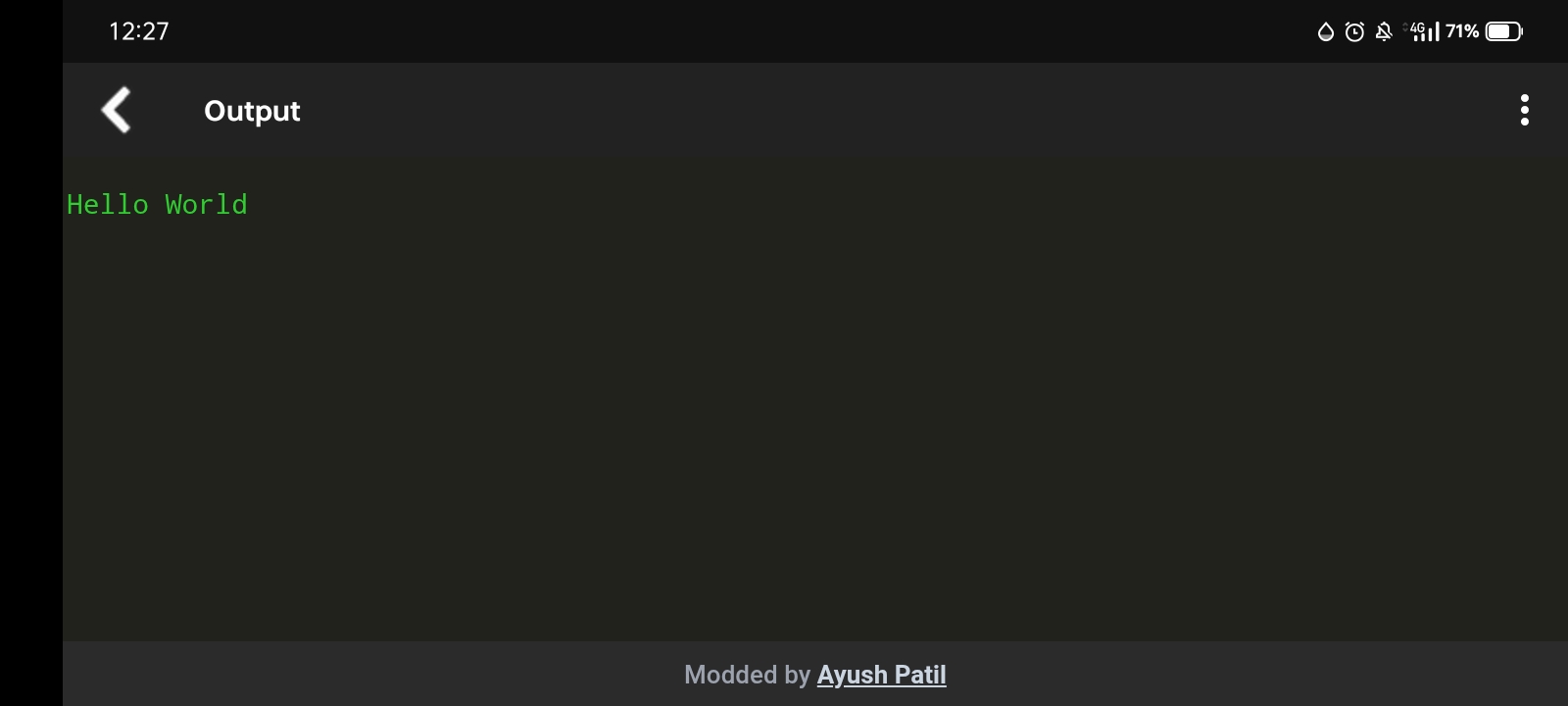
# The app will instantly transition to the Output screen, displaying a clean, terminal-like green text interface.
# Here, you will see your program's exact print statements and formatted results (such as a structured "******* STUDENT DETAIL *******" block) exactly as they would appear on a desktop compiler.
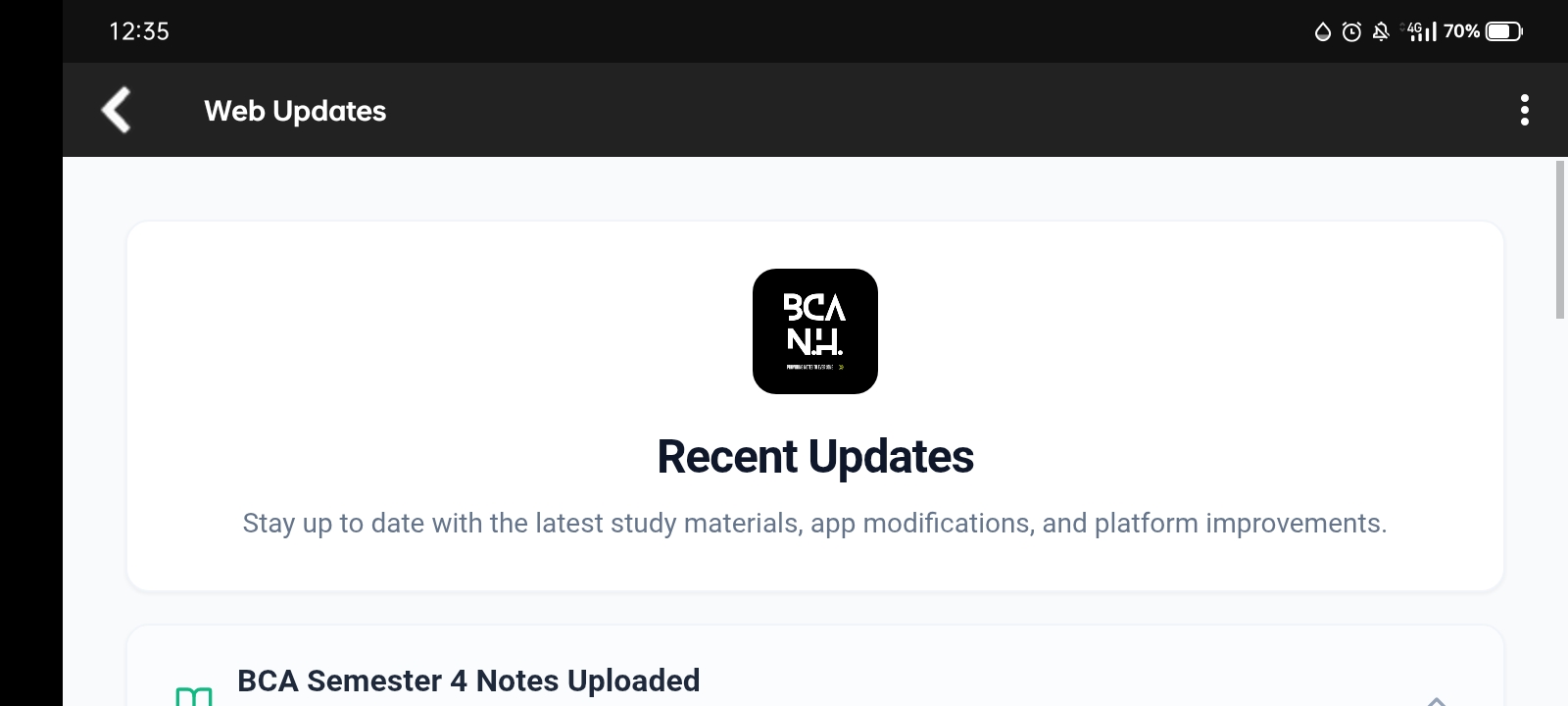
Feature 5: Downloading Semester Notes & Web Updates
# Never miss an important study resource. Open the Web Updates section to stay up to date with the latest study materials and syllabus additions.
# The app regularly pushes updates, such as complete notes for upcoming semesters. For example, you can find full PDF notes for subjects like Data Structures & Algorithms, Operating Systems, and Advanced Java Programming Concepts.
# Simply tap on the Download PDF Notes link within an update card to save the study materials directly to your device for offline reading.
Feature 6: Enjoying Premium App Benefits
# The BCA Notes Hub is designed to provide a distraction-free and reliable environment for students.
# By using the app's services, you automatically get access to several core benefits:
✓ A completely Ad-free experience so you can focus on coding without interruptions.
✓ Access to updated compilers ensuring your code compiles according to modern Java standards.
✓ A reliable coding environment that prevents crashes during long coding sessions.
✓ Real-time latest updates & news regarding the BCA curriculum.
Step 7: Start Coding!
# Now that you know where everything is, open up the editor, write your first Java program, and enjoy a seamless coding journey right from your smartphone! 😉