Home ProEditor For Android
 |
Details
Name : ProEditor [BCA.N.H.]
Type : (.apk)
Date : 13/03/2026
Size : 36.96 MB
Labels : Apps
Instalation Note :
• During installation, you might see a Google Play Protect warning that says: "Some devices may not be capable of running this application as it is designed for older versions."
• Don't panic! This is a standard Android prompt. Because the ProEditor is built to work on a wide variety of phones (from very old Androids up to the newest ones), newer devices sometimes flag this wide compatibility.
• How to fix it: Simply tap on "More details" on the warning popup, and then click "Install anyway". The app is completely safe and will run perfectly on your device.
Screenshots
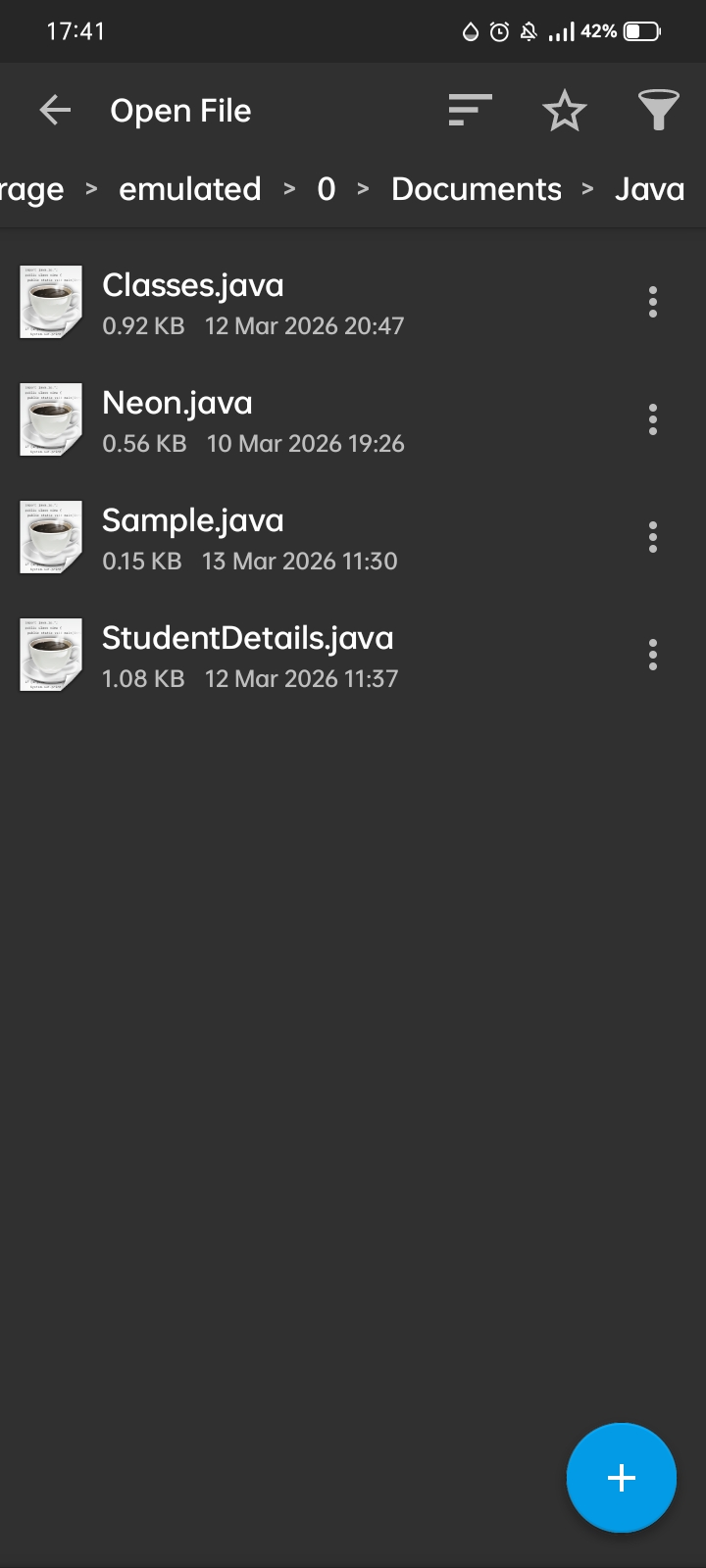
Download Link
App Guide
Complete Guide: Exploring the BCA Notes Hub App Features
Learn how to maximize your productivity using ProEditor. Follow this quick overview to navigate the app, manage files, and customize your workspace.
1. Navigating the App (Main Menu)
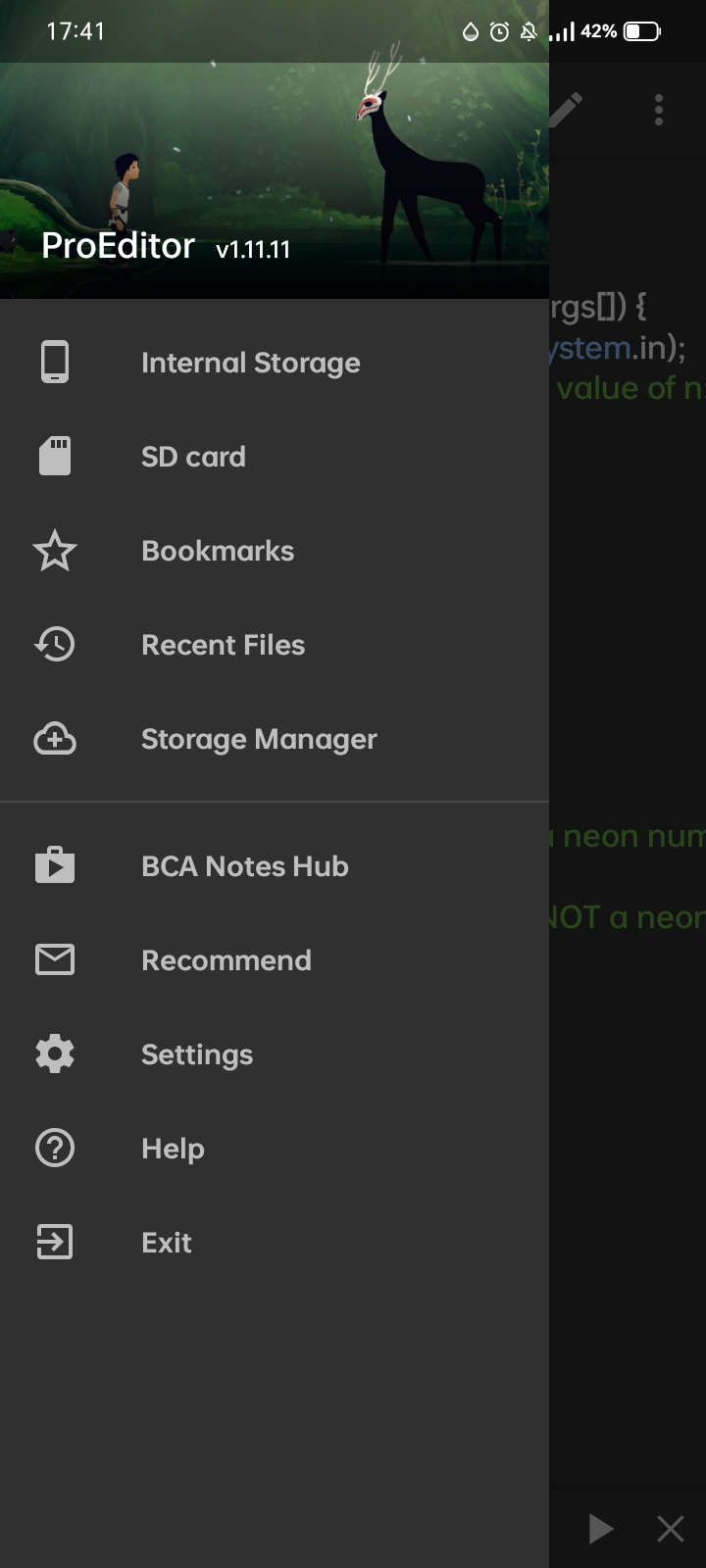
• Tap the hamburger menu (three horizontal lines) on the top left to open the main sidebar.
• Browse your Internal Storage or SD card to locate your coding files easily.
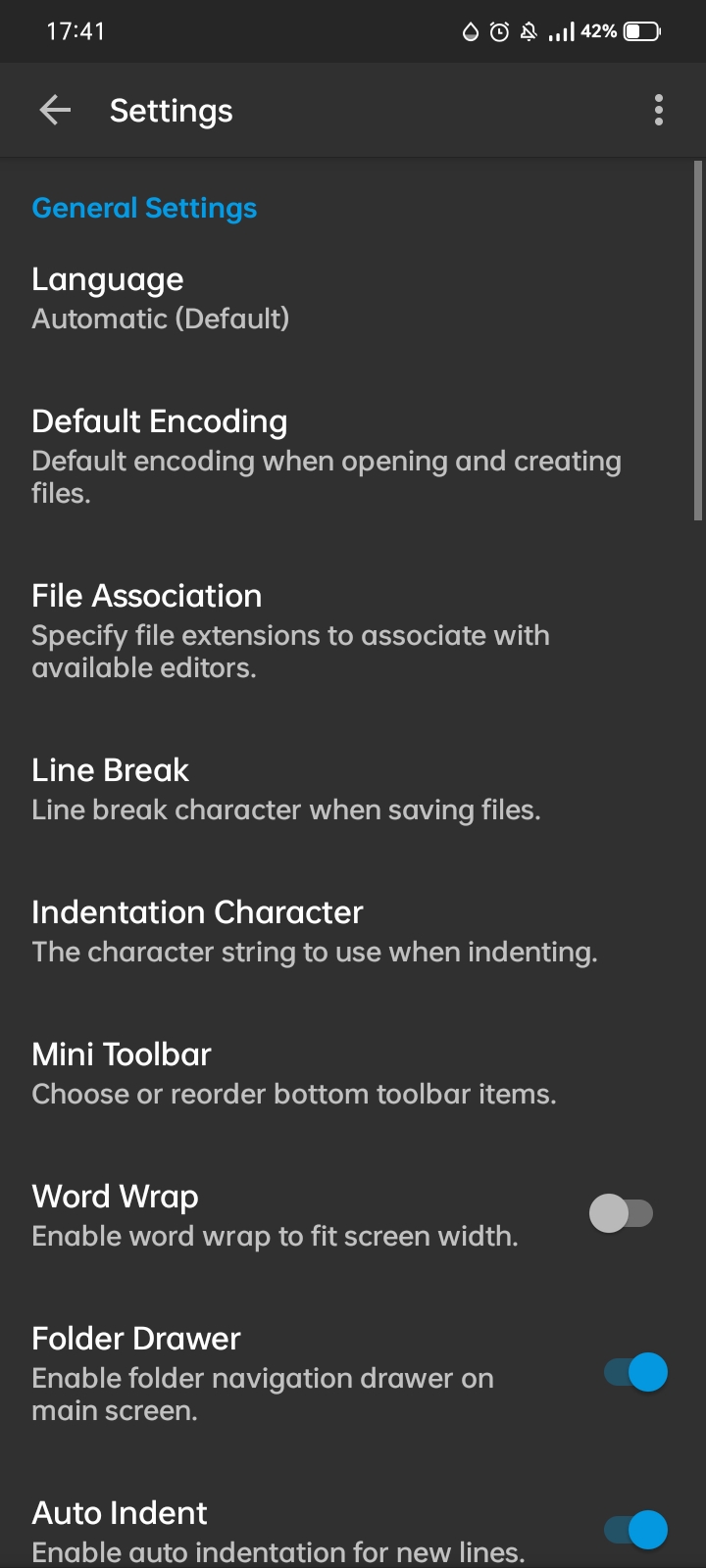
• Access Recent Files, adjust app Settings, or visit the BCA Notes Hub directly from this menu.
2. Managing Your Files
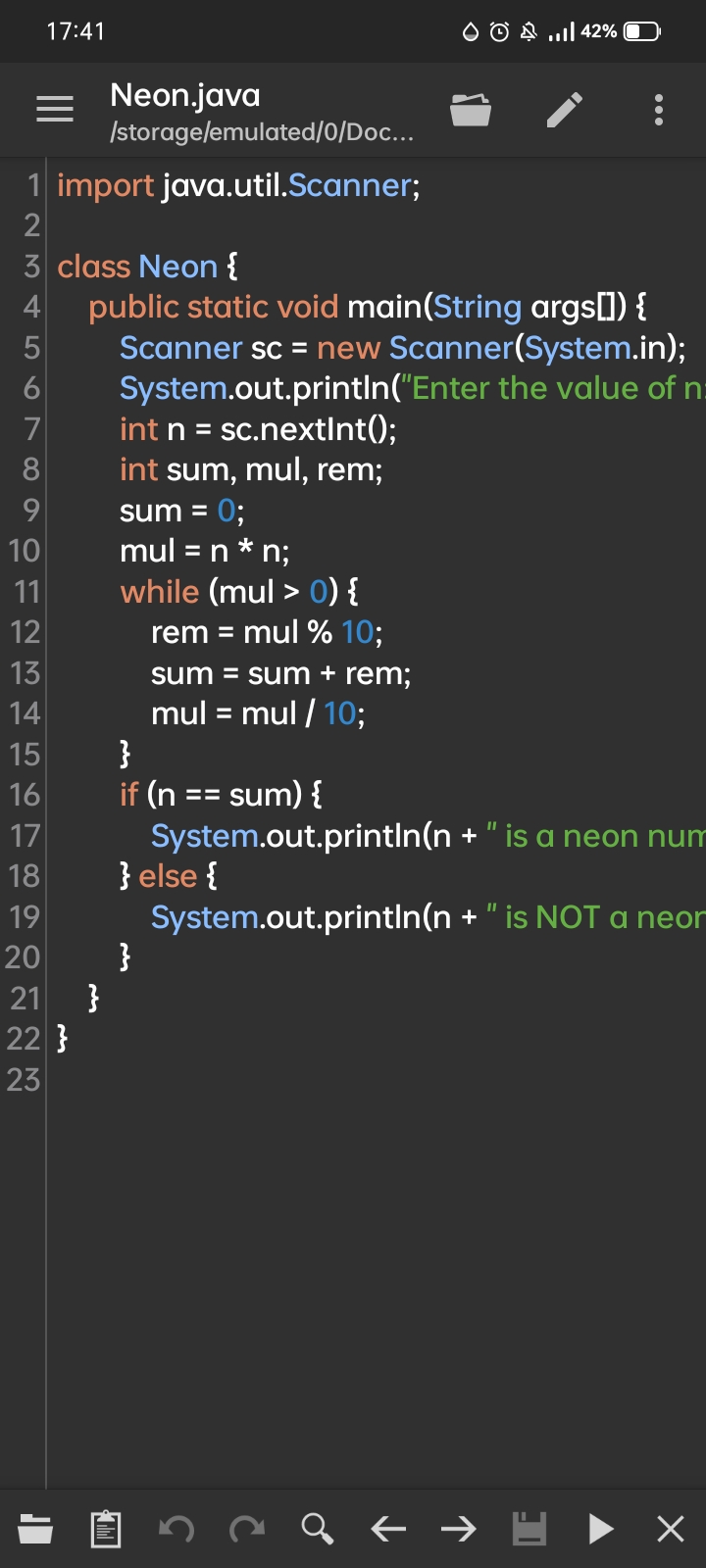
• Tap the folder icon to manage your documents.
• Use this menu to create a New file, Open existing ones, or quickly Save and Save As to keep your code organized.
3. Editor Tools & Customization
• Tap the three-dot menu on the top right for advanced editing options.
• Coding Tools: Quickly Search for text, use Goto Line, or change the Syntax highlighting to match your programming language.
• Workspace: Adjust the editor to your liking by changing Visual Styles, toggling Word Wrap, or pinning the Mini Toolbar for quick shortcuts.
Ready to Code!
• Now that you know where everything is, open up the editor, customize your syntax, and enjoy a seamless coding journey right from your smartphone!